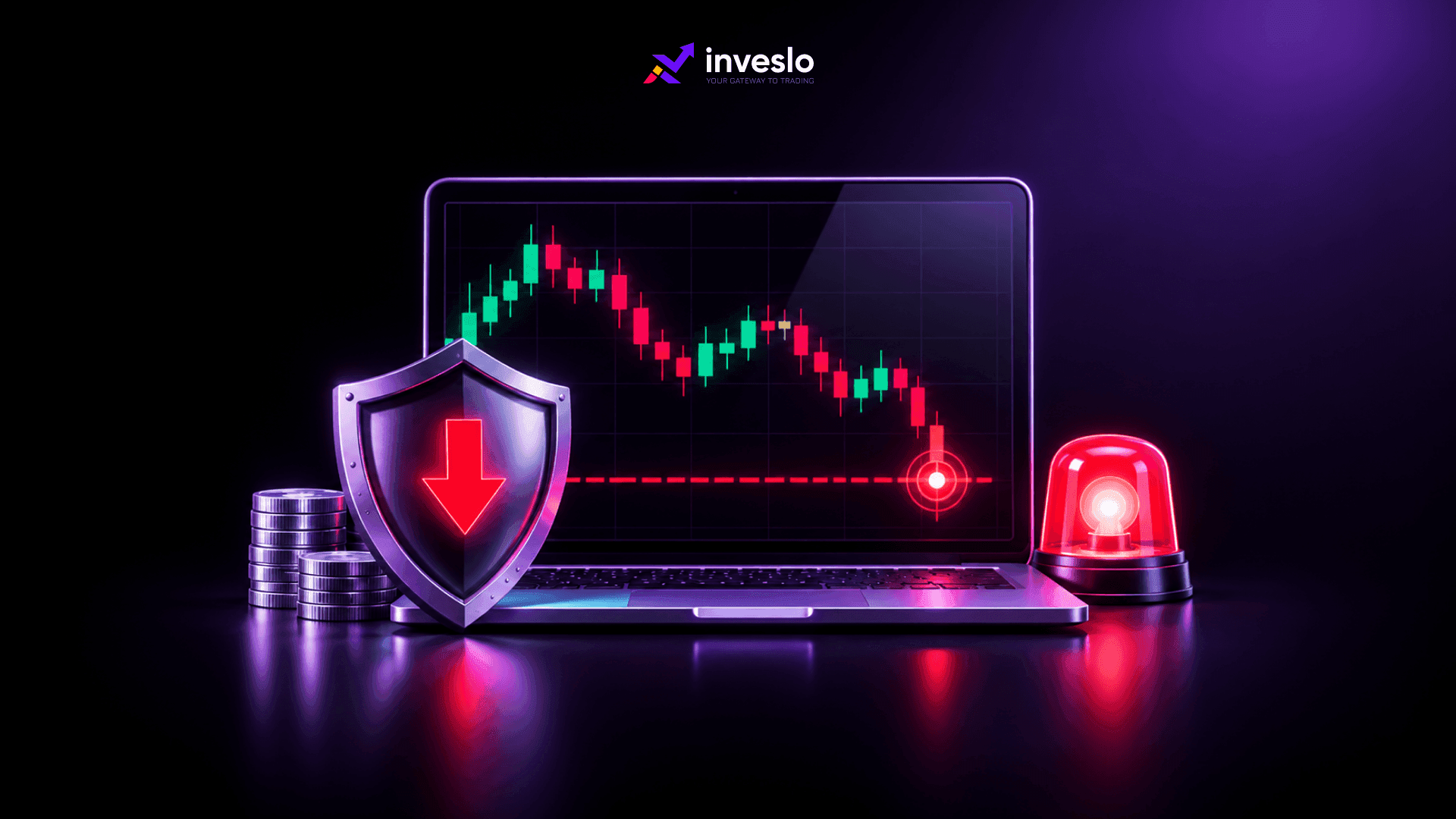
You enter a trade expecting the market to move in your favour, but the price suddenly moves in the opposite direction. Do you close the position immediately, wait for a recovery, or accept a larger loss?
These decisions become harder when prices move quickly. Without a planned exit, traders may hold losing positions longer than intended or make rushed decisions under pressure.
A stop-loss order helps address this problem. It allows you to set a price at which your trading platform will attempt to close a position automatically if the market moves against you.
However, placing a stop-loss does not guarantee that your trade will close at the exact price you selected. Understanding how these orders work, where to place them, and what can affect their execution is an important part of risk management in trading.
What is a Stop-Loss Order in Trading?
A stop-loss order is an instruction to close an open trading position when the market reaches a predetermined price.
Traders use stop-loss orders to limit potential losses without continuously monitoring market movements.
For example, suppose you buy EUR/USD at 1.1000 and place a stop-loss at 1.0950. If the market falls to your stop level, the order activates and attempts to close your position.
A standard stop-loss generally triggers an instruction to close the position at the available market price once the specified level is reached.
This distinction matters because a stop-loss controls when an exit is requested rather than guaranteeing a particular financial outcome.
How Does a Stop-Loss Order Work?
A stop-loss order remains active until the market reaches the specified trigger level, the trader changes or cancels it, or another applicable order condition takes effect.
The direction of your position determines where the stop-loss should be placed.
1. Stop-Loss for a Buy Position
When buying a currency pair, traders generally expect its price to increase.
A stop-loss is placed below the entry price to limit potential losses if the market declines.
For example:
● Entry price: 1.1000
● Stop-loss price: 1.0950
● Planned stop distance: 50 pips
If EUR/USD falls to the stop level, the trading platform attempts to close the buy position.
2. Stop-Loss for a Sell Position
When selling a currency pair, traders expect the price to decline.
In this situation, the stop-loss is placed above the entry price.
For example:
● Entry price: 1.1000
● Stop-loss price: 1.1050
● Planned stop distance: 50 pips
If EUR/USD rises to the stop level, the platform attempts to close the sell position.
In forex trading, bid and ask prices can affect when stop-loss orders activate. A buy position generally closes at the bid price, while a sell position closes at the ask price. Traders should understand the pricing and trigger conditions that apply to their accounts.
Different Types of Stop-Loss Orders
Traders can use different stop-loss approaches depending on how they want to manage their positions.
Order Type | How it Works | Main Limitation |
Standard Stop-Loss | Triggers a market exit when the selected price is reached | Execution price may differ |
Trailing Stop-Loss | Adjusts the stop as the market moves favourably | Can close a trade during a temporary reversal |
Stop-Limit Order | Triggers a limit order at the chosen level | May remain unfilled during sharp movements |
Guaranteed Stop-Loss | Closes at the specified price under the provider's terms | Availability is limited and fees may apply |
A stop-limit order gives greater control over the minimum or maximum acceptable execution price, depending on trade direction. However, it can leave a position open if the market moves beyond the limit.
Guaranteed stop-loss orders are provider-specific products. They should not be assumed to be available on every forex or CFD trading account.
Why is a Stop-Loss Important for Risk Management in Trading?
A stop-loss gives traders a defined exit plan before market movements begin influencing their decisions.
Its main purpose is to help prevent a manageable loss from becoming substantially larger.
1. Reducing Emotional Trading Decisions
Fear and uncertainty can affect trading decisions, especially when prices move sharply.
A predetermined stop-loss reduces the need to decide where to exit while a position is already losing money.
It also encourages traders to assess the possible downside before entering.
2. Managing Exposure During Market Volatility
Economic announcements, interest-rate decisions, and unexpected market developments can produce sharp price movements.
A stop-loss provides an automatic exit instruction, although execution may occur at a different price during volatile conditions.
3. Supporting Consistent Trading Decisions
Traders who use a planned stop-loss strategy can measure their intended risk before opening each position.
This makes it easier to compare trading opportunities and determine whether the potential loss fits their account size.
However, a stop-loss cannot replace position sizing or broader account-level risk controls.
How to Set Stop-Loss Levels in Forex Trading
A suitable stop-loss level should reflect your trading setup and the market conditions rather than an arbitrary number of pips.
There is no single stop distance that works for every currency pair or trading strategy.
1. Identify Support and Resistance Levels
Support and resistance are price areas where buying or selling activity has previously affected market movement.
For a buy position, traders may consider placing a stop-loss below a relevant support area.
For a sell position, the stop may sit above resistance.
These levels are not guaranteed barriers. Prices can briefly move beyond them before returning.
2. Consider Market Volatility
Some currency pairs experience wider price movements than others. Volatility may also change throughout the trading day.
A stop-loss positioned too close to the entry price can activate during normal market fluctuations.
A wider stop provides more room for price movement but increases potential losses unless the trader reduces the position size.
The Average True Range (ATR) indicator can help traders assess recent price movement and consider whether their planned stop distance is reasonable.
3. Calculate Your Risk Before Choosing Position Size
The amount you are prepared to lose should help determine how large a position you open.
Consider a hypothetical forex trade:
Trading Detail | Example |
Account balance | $5,000 |
Planned risk | 1% |
Risk amount | $50 |
Stop-loss distance | 50 pips |
Assumed pip value | $10 per pip per standard lot |
Calculated position size | 0.10 standard lots |
The calculation is:
Position Size = Risk Amount ÷ (Stop Distance × Pip Value per Standard Lot)
In this example:
$50 ÷ (50 × $10) = 0.10 lots.
The figures assume a USD-denominated account and a currency pair where the standard-lot pip value is $10. Actual pip values vary by instrument and account currency.
The calculated $50 loss is a planning figure, not a guaranteed maximum. Slippage and other trading costs can increase the final loss.
Understanding Stop-Loss Limitations
A stop-loss helps manage exposure, but several market conditions can affect the outcome.
1. Slippage During Fast Price Movements
Slippage happens when the execution price differs from the requested price.
Suppose a trader places a stop-loss at 1.0950, but a sudden market movement causes the position to close at 1.0935.
The additional 15-pip movement increases the loss beyond the original plan.
During volatile market conditions, stop orders may execute substantially away from their trigger prices.
2. Spread Changes and Stop Activation
The spread is the difference between the bid and ask prices.
During periods of reduced liquidity or major announcements, spreads may widen.
This can cause a stop-loss to activate even when the price displayed on a trader's chart appears not to have reached the expected level.
3. Market Gaps
A market gap occurs when prices move between levels without trading continuously through every intermediate price.
If the market reopens beyond your stop-loss, the position may close at the next available price rather than the original stop level.
4. Platform and Connection Considerations
Stop-loss functionality also depends on how the trading platform handles orders.
Some stop-loss instructions remain active on the trading server after a trader closes the platform. Other features, such as certain trailing stop functions, may require the trading application to remain active.
Traders using automated strategies should understand these differences before relying on unattended order management.
Common Stop-Loss Mistakes Traders Should Avoid
Several mistakes can reduce the effectiveness of a stop-loss strategy.
Placing stops too close to the entry price: Normal price fluctuations may trigger the order before the expected market movement develops.
Moving stop-loss levels further away: Increasing the stop distance after a trade moves against you can expose your account to losses beyond the original plan.
Ignoring position size: Even a carefully selected stop-loss can result in a substantial loss if the trade size is too large.
Using the same stop distance for every instrument: Different markets have different price behaviour, spreads, and volatility.
Assuming the stop price is guaranteed: A regular stop-loss remains exposed to slippage, particularly during fast markets.
A better approach is to identify the point where the trading idea becomes invalid, calculate the potential loss, and then adjust the position size to fit your risk limit.
Conclusion
A stop-loss order works best when it forms part of a wider risk management plan.
Before entering a trade, establish where the trading setup becomes invalid and how much money you are prepared to risk. Then calculate an appropriate position size rather than adjusting your risk limit to fit a larger trade.
Stop-loss orders cannot remove market uncertainty, but they provide a defined process for managing unsuccessful trades.
Traders who want to practise order placement and position management can use an Inveslo demo trading account to become familiar with stop-loss functionality before committing real capital.
Frequently Asked Questions About Stop-Loss Orders
Q1. Can a Stop-Loss Order Prevent All Trading Losses?
A. No. A stop-loss can limit intended exposure, but slippage, market gaps, and execution conditions can produce losses beyond the planned amount.
Q2. What is the Best Stop-Loss Strategy for Forex Trading?
A. There is no single best strategy. Traders commonly consider support and resistance, recent volatility, and account risk limits when selecting stop levels.
Q3. Can I Change My Stop-Loss After Opening a Trade?
A. Yes. Most trading platforms allow stop-loss modification, subject to account and instrument restrictions. Increasing the stop distance can raise your financial exposure.
Q4. What is the Difference Between Stop-Loss and Take-Profit Orders?
A. A stop-loss attempts to close a position when prices move against the trade. A take-profit order is intended to close a position when the selected favourable price is reached.
Q5. Can Traders Use Stop-Loss Orders in Automated Trading?
A. Yes. Automated trading systems can incorporate stop-loss instructions, although their exact behaviour depends on the platform, order configuration, and execution conditions.
Related articles
 ForexInveslo
Bollinger Bands Indicator: How to Trade Market Volatility
A currency pair moves sideways for several hours, and Bollinger Bands begin to contract before the price suddenly breaks out of its usual trading range.
 ForexInveslo
Manual Trading vs Automated Trading: Which is Better?
A trader can have a solid strategy and still struggle with one basic decision: should every trade be placed manually, or should software handle the process? Manual trading gives you direct control over analysis, entries, exits, and trade management. Automated trading uses predefined rules to monitor
 ForexInveslo
Day Trading vs Swing Trading: Key Differences and How to Choose
Choosing between day trading and swing trading is less about finding the “better” strategy and more about finding the one you can execute consistently. Day trading keeps positions inside the same trading day and usually demands more screen time, faster decisions, and closer attention to short-term